Labour attendance
Present, half day or absent for each worker, marked on a phone at the site.
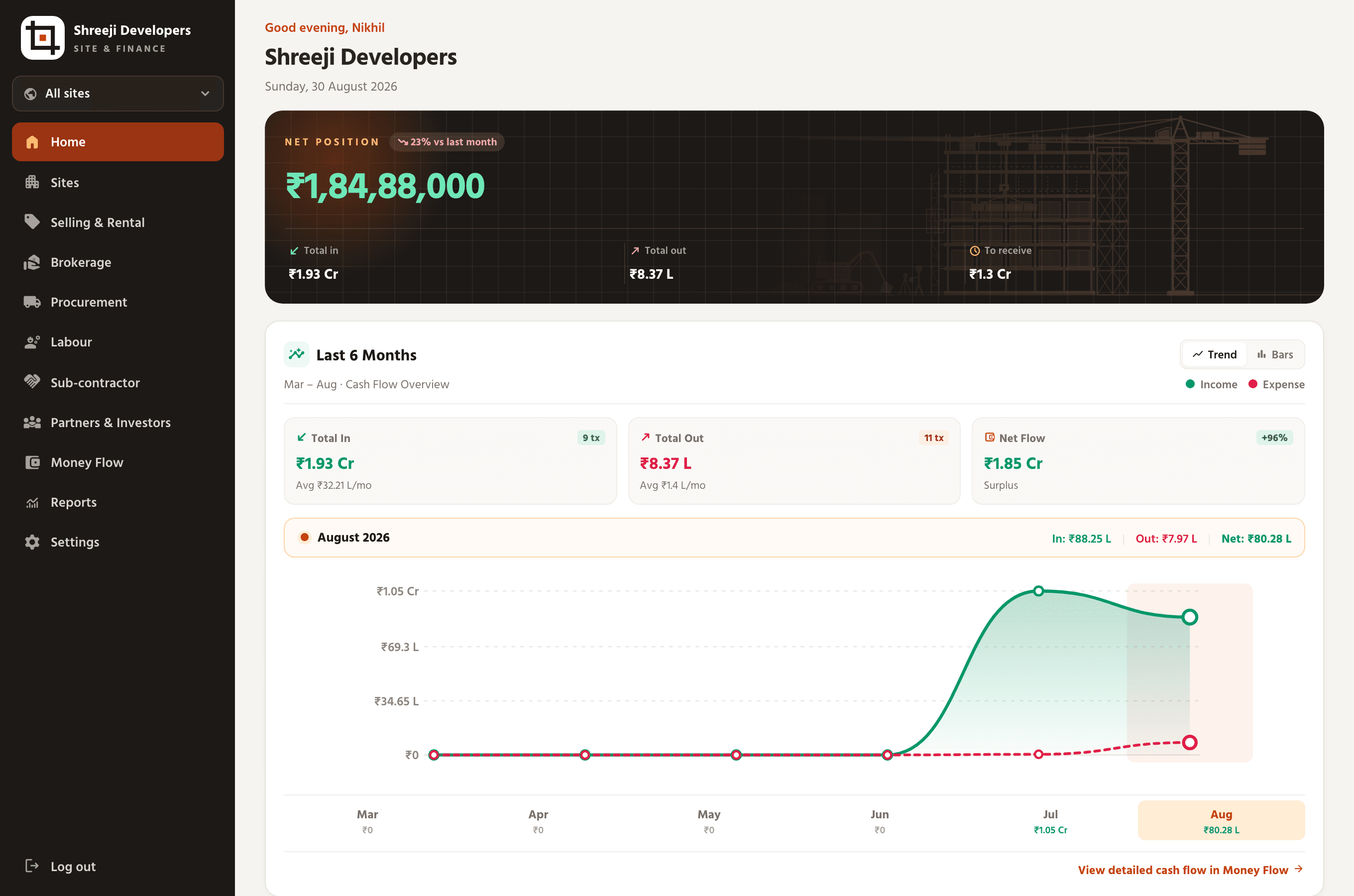
Who worked today, what was paid, which supplier is owed, which sub-contractor finished their stage and what the site owner still owes you, recorded on a phone at the site and totalled for you.
Attendance lives in a register at each site, and wages are worked out by hand at the end of the week.
Advances paid during the week are hard to set against the wages that fall due.
Sub-contractors say a stage is finished and ask for payment, and nobody can check what was agreed.
Bills to the site owner and the payments against them sit in a different file from everything else.
Present, half day or absent for each worker, marked on a phone at the site.
Daily wages or monthly salary, with advances recorded against each worker.
By labour rate, with material, lump sum or item rate, with the agreed amount and every payment.
Read-only, narrowed to their own work. They report a stage finished or ask for material, and you approve.
Each site’s timeline in stages, handed to your staff, a partner or a sub-contractor, with every hand-over kept.
What each stage draws from the site’s stock, and requests for more that wait for your approval.
Bills per site with challan, rate and quantity, and what each supplier is owed.
Shuttering, scaffolding and machines on rent, marked returned, with their condition.
RA bills and extra-work bills raised to the owner, and the receipts against them.
One stage, end to end
Every step is recorded against the stage, so the office, the sub-contractor and the owner’s bill agree on what happened.
Assign it to a sub-contractor with a work order: labour rate, with material, lump sum or item rate.
Set what the stage draws from site stock. The sub-contractor can ask for more; you approve or counter.
Attendance and the daily diary go in from the site, on the phone, the same day.
The sub-contractor reports the stage finished from their login. You check it and approve.
Payments recorded against the work order, with a receipt to share on WhatsApp.
Raise the RA bill to the site owner and record what they pay against it.
Yes. Sitegride records daily attendance as present, half day or absent, with wages or salary and advances, and the whole interface works in Gujarati as well as English, on a phone at the site.
Yes. Every entry belongs to a site, and a worker can be on more than one, so attendance, purchases and payments total for each site and across all of them.
Yes. Each sub-contractor can have a read-only login that shows only their own work orders, stages and payments. They can report a stage finished or ask for material, and the office approves.
Labour rate, with material, lump sum and item rate. Each work order carries the agreed amount, the rate and its unit, and every payment made against it.
Yes. Bills raised to the site owner, such as RA bills or extra work, are recorded per site with the owner’s payments against them, so the balance due is always current.
Fifteen minutes, your kind of data, a live money position.
No signup and nothing to install. The walkthrough asks for nothing at all. See pricing
Your sites, not a sample
We set two of your own projects up with figures like yours before the call starts.
One ordinary week, entered
A delivery, a day's hazri, a booking payment, recorded the way your team would record them.
The position, live
Total in, total out and net across both sites, computed from what we just entered.